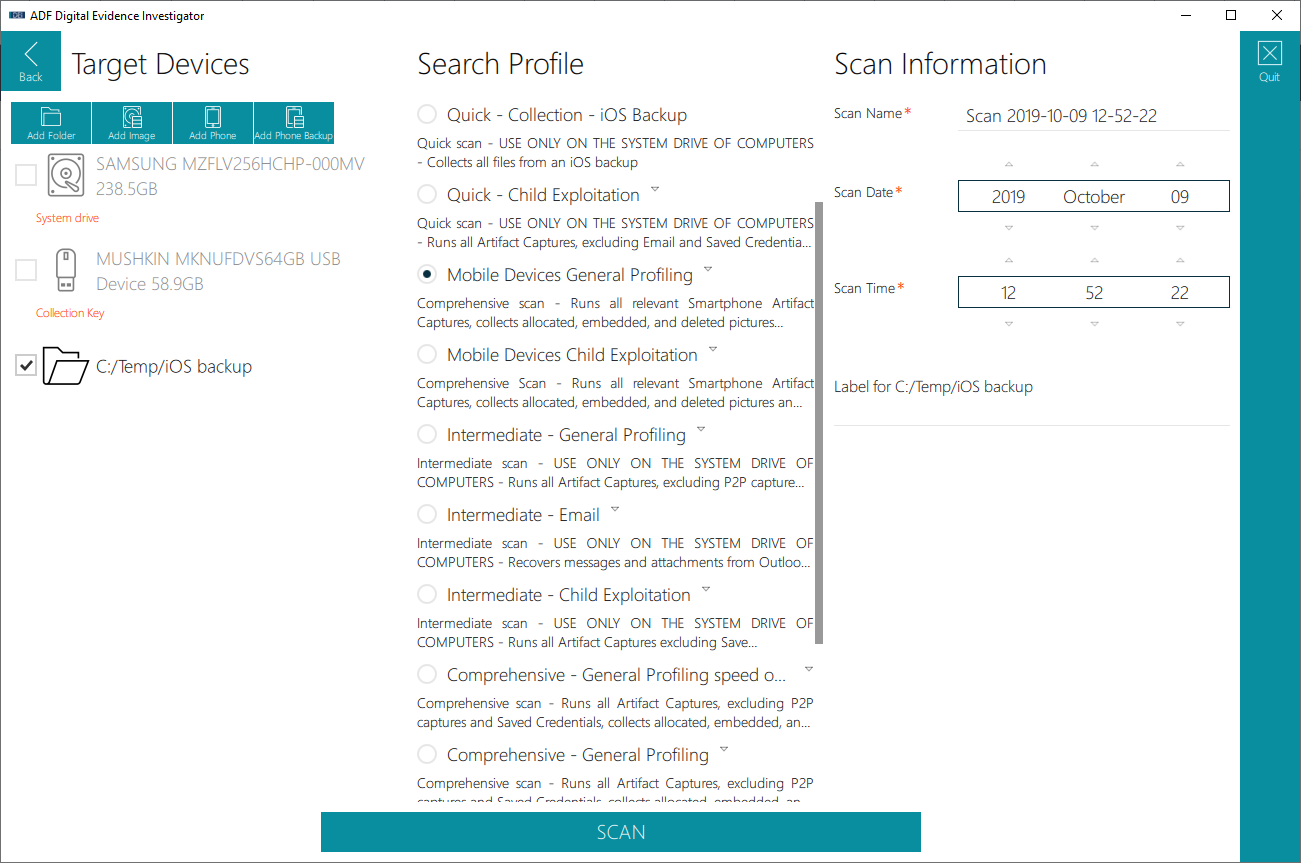

You can scan an existing unencrypted iTunes backup with DEI PRO, TINV PRO and TG2 PRO by selecting as target the folder containing the iTunes backup (and not the iTunes backup folder directly).
For example, if the iTunes backup to scan is “5c28845681e93e0955c12bfdb7d826e3e41252a4” and stored in C:TempiOS backup:
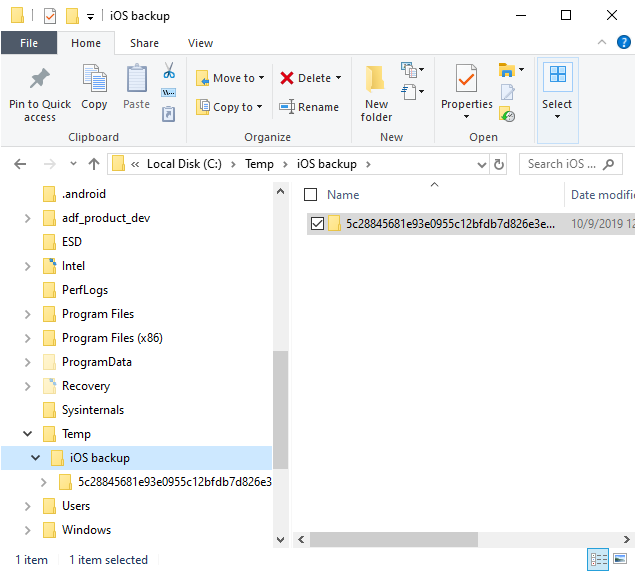
Then you need to select the “iOS backup” folder as the target of your scan and select a Search Profile suitable for the iOS artifacts (“Mobile Devices – General Profiling” for example).